Graphic Black, a folio of poster mono
One black. One paper. Nothing between.
Graphic Black turns a photograph into shape: deep black, clean paper, no grey to hide in. One tap in the free Lightroom app on iPhone and Android, or in Lightroom Classic.
For poster makers, designers and street shooters who want the frame reduced to shape.
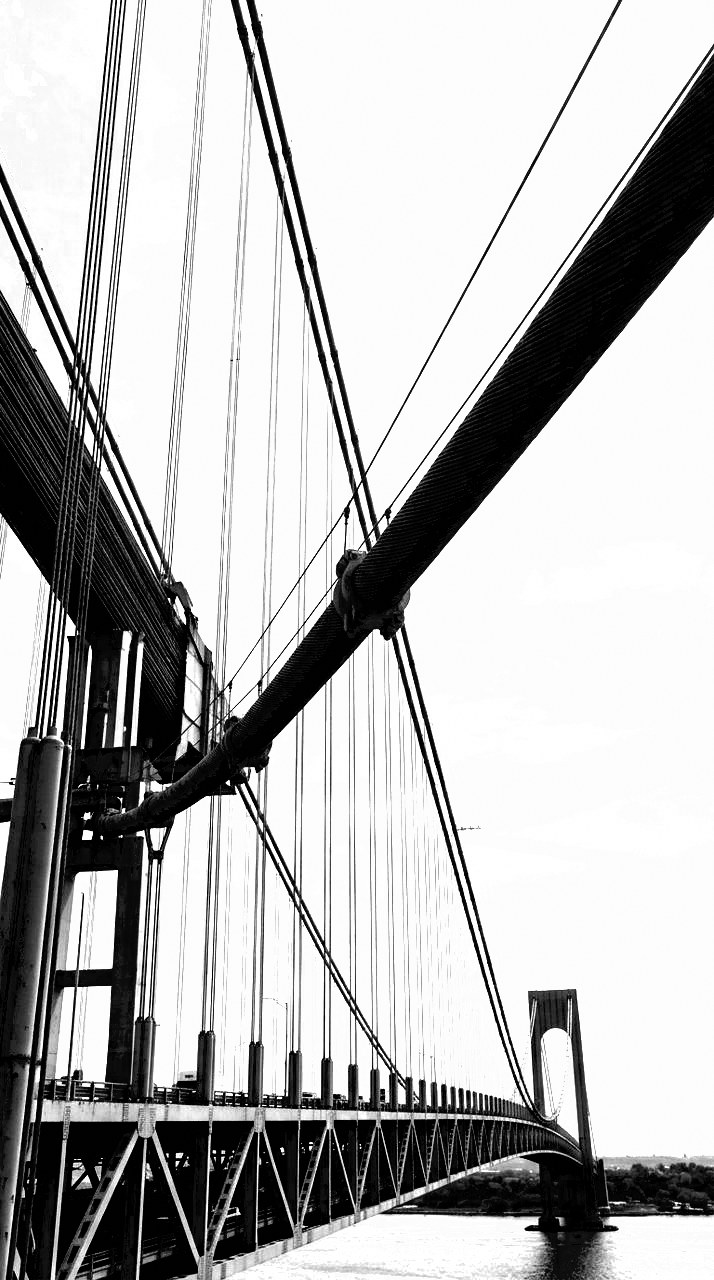
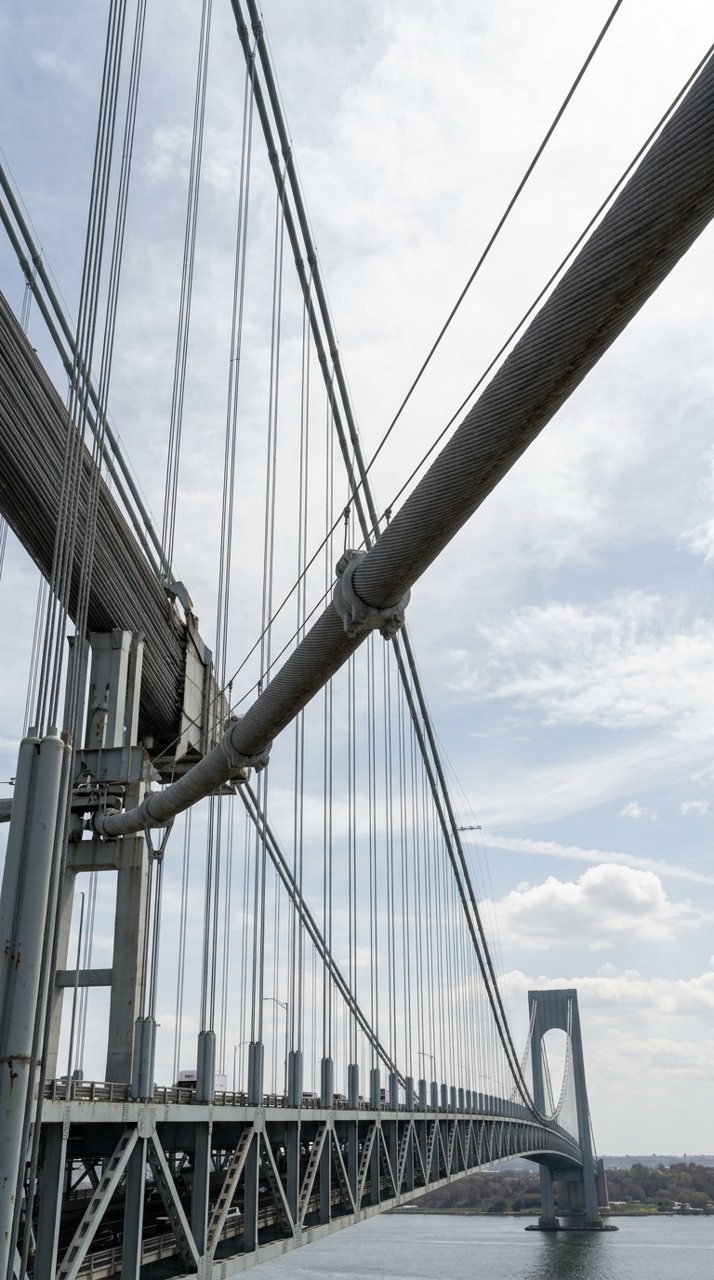
Every preset converts to black and white, then drives contrast to the top of the scale, so tones collapse to shape. Line Block is the reference. The rest each move one thing: blacks deeper for a cut mask, whites harder for signage, texture up so an edge carries the cut of a worked print.
The folio is set in three departments. Blocks crush the shadows and read as masks. Prints keep the surface of woodcut, lino and etched plate. Signs push the whites for painted markings, type and scanned line art.
Apply one, then adjust. The curve stays yours, and so does every slider under it.
contents
The Folio
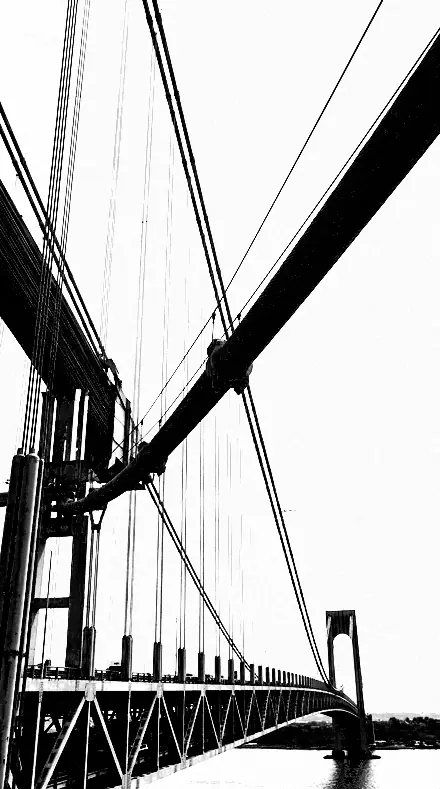
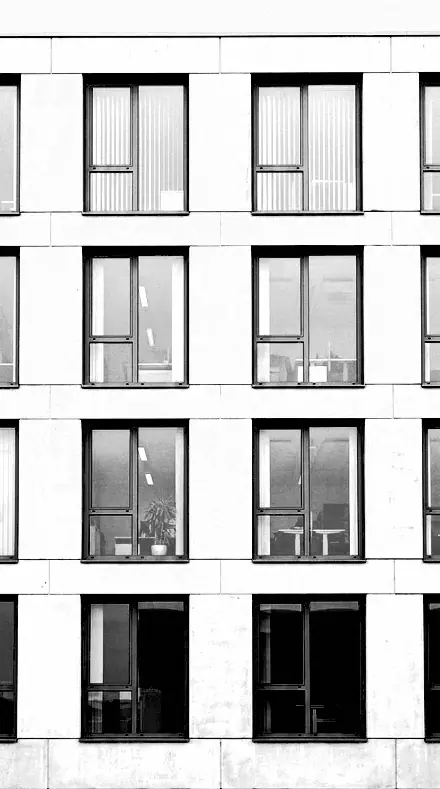
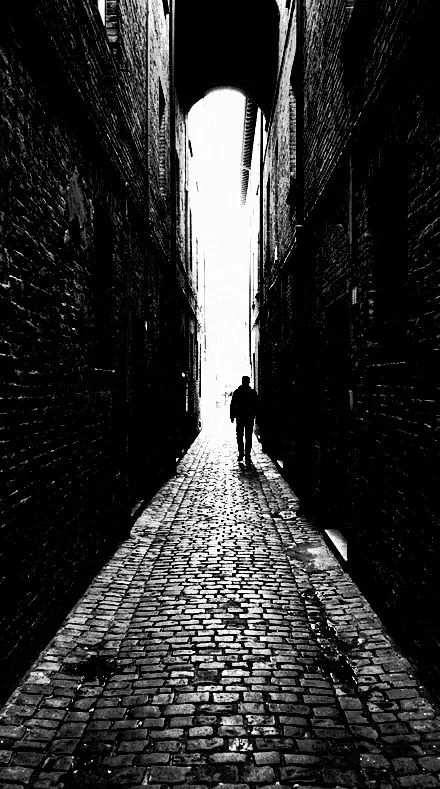
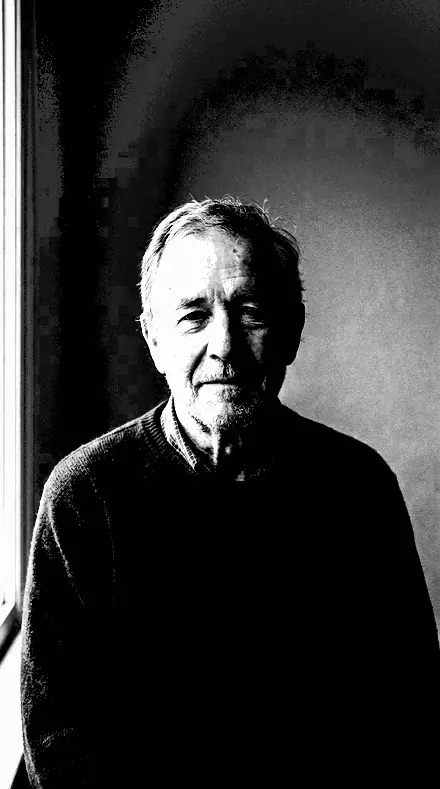
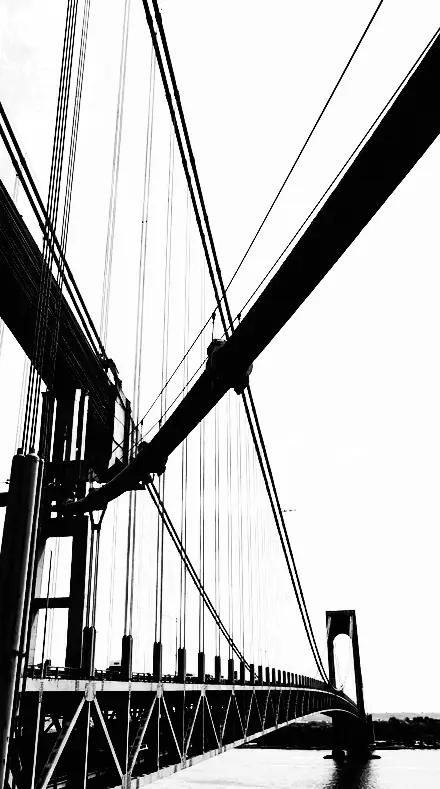
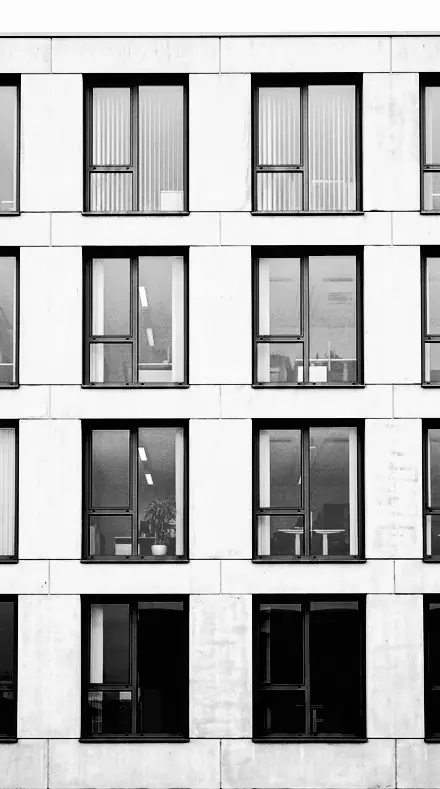
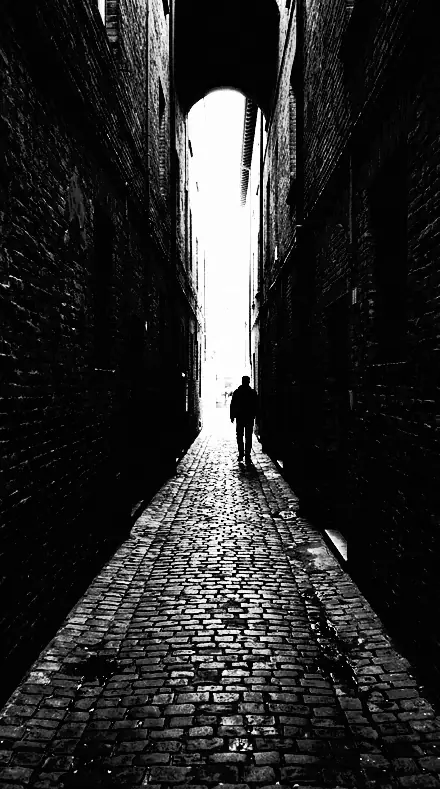
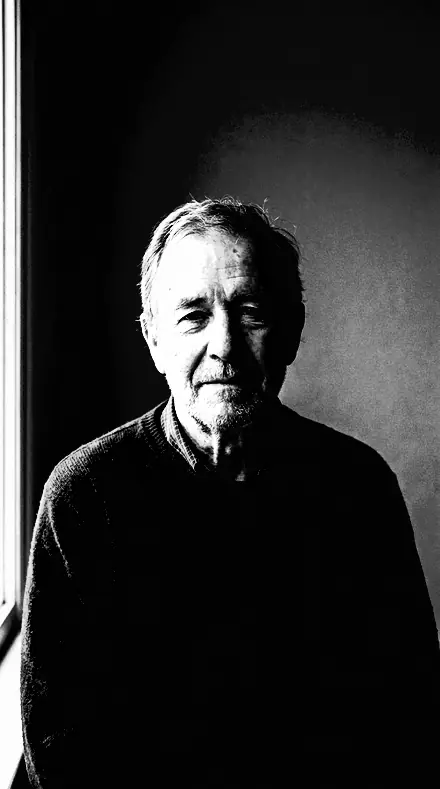
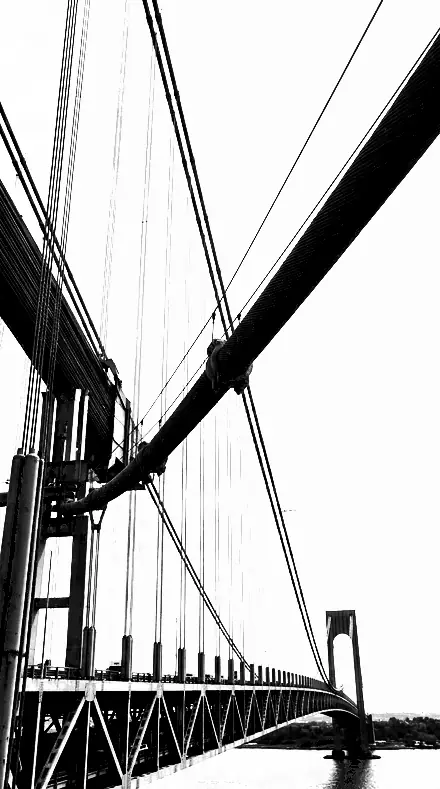
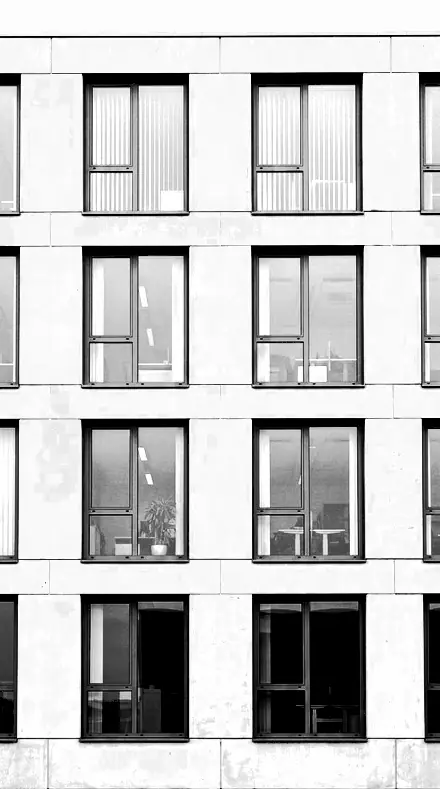
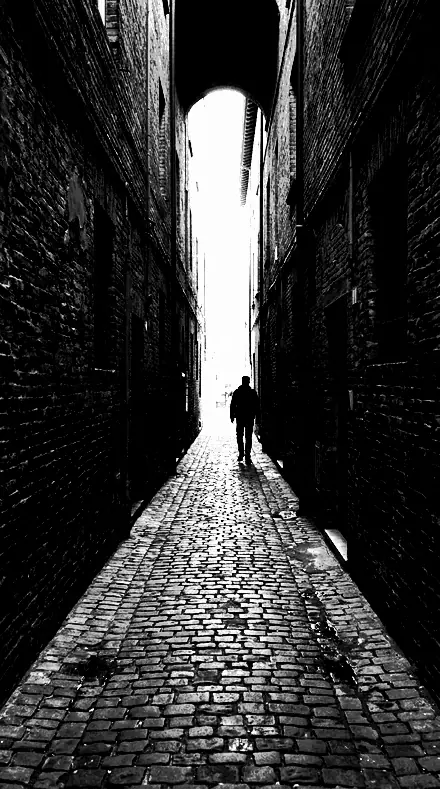
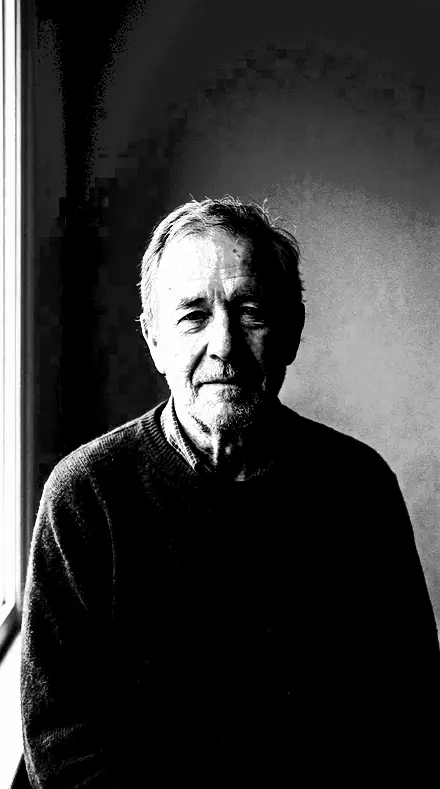
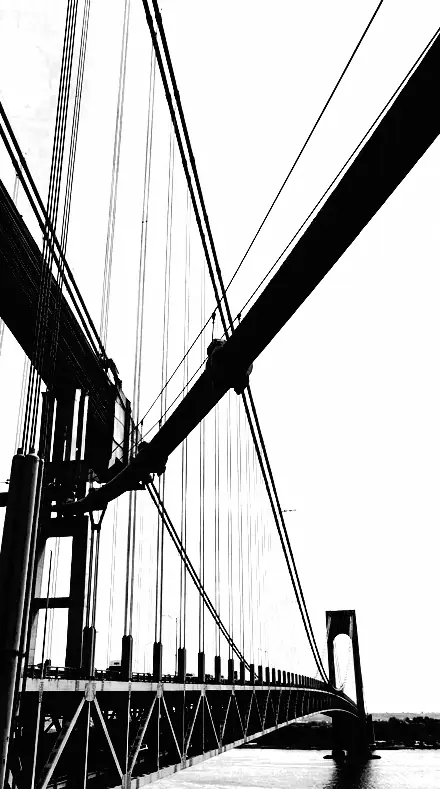
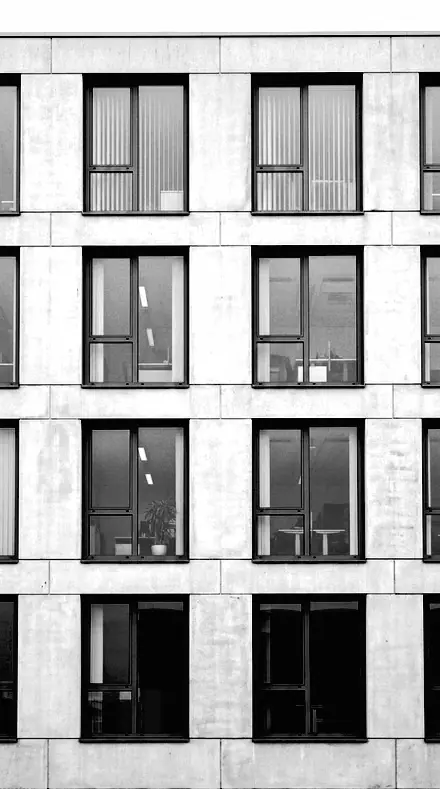
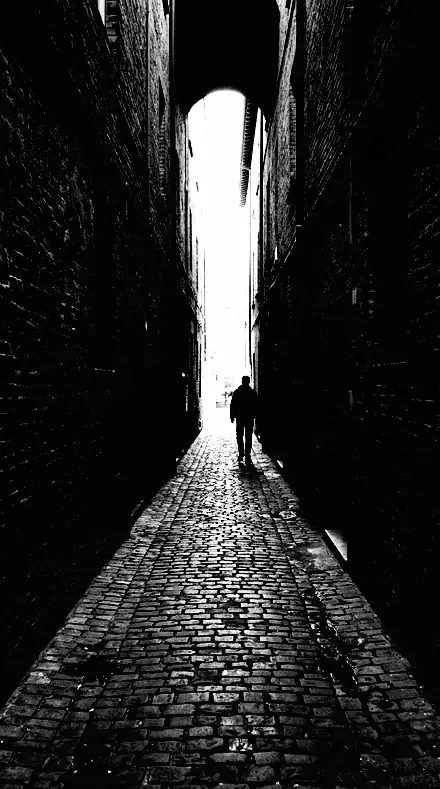
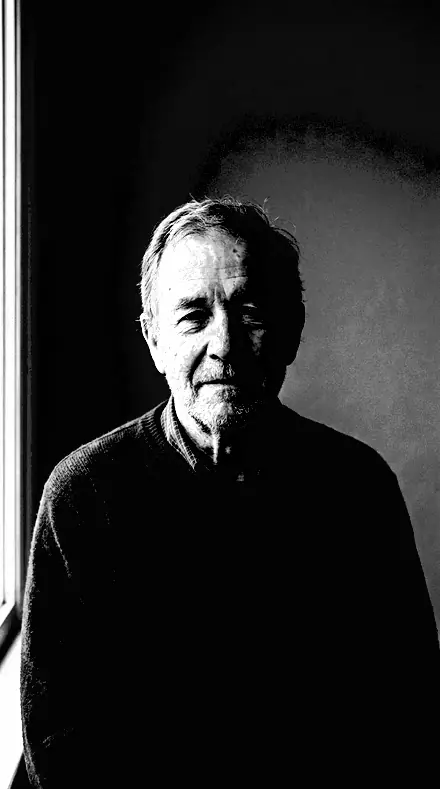
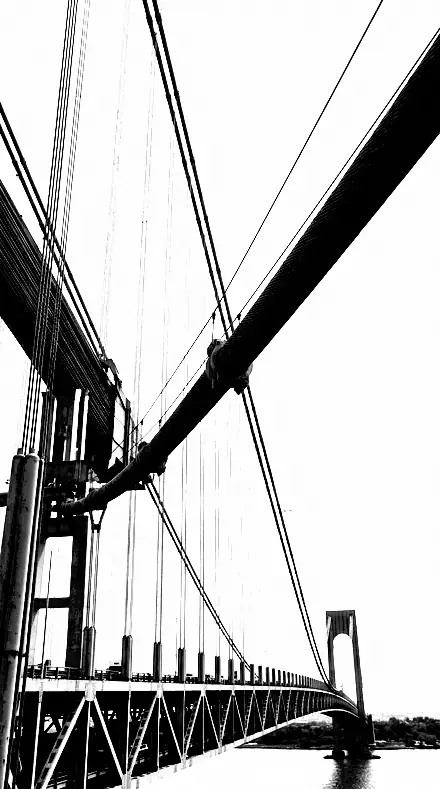
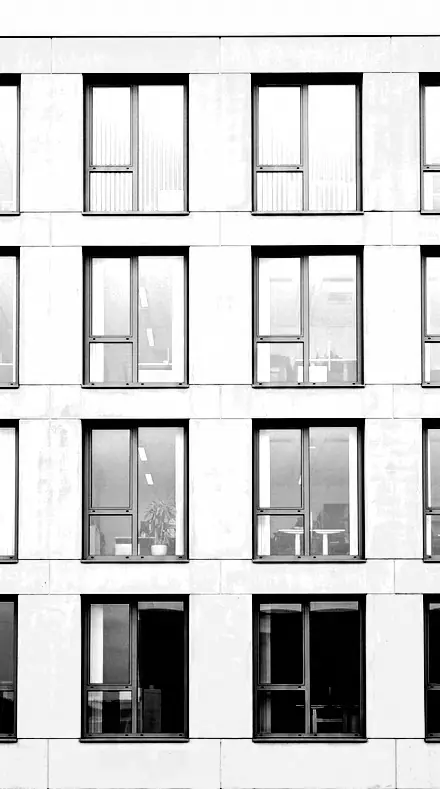
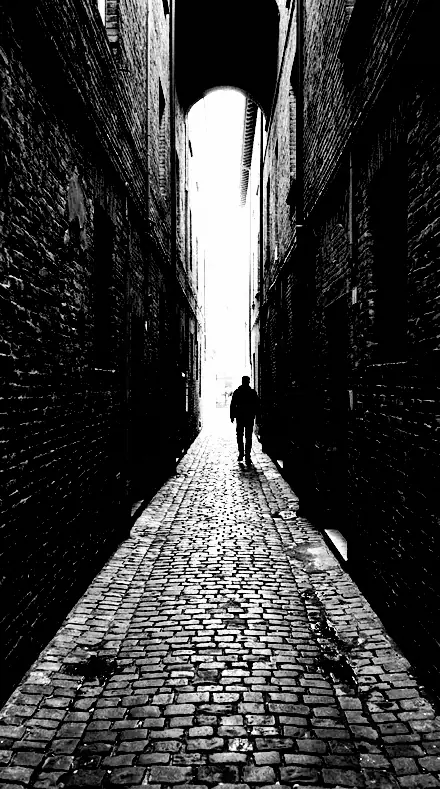
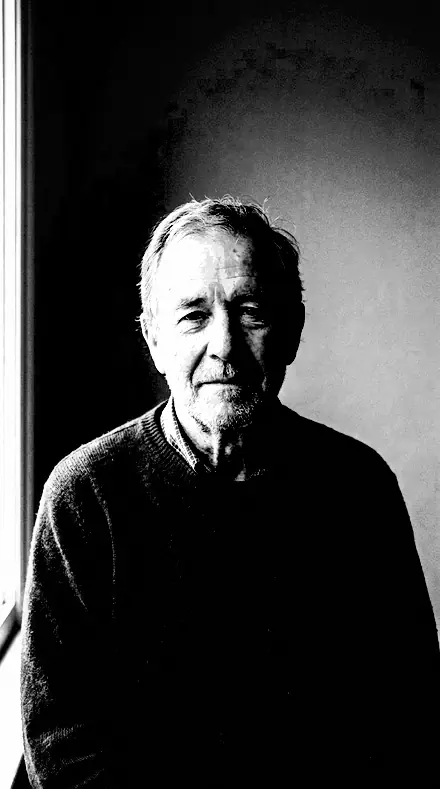
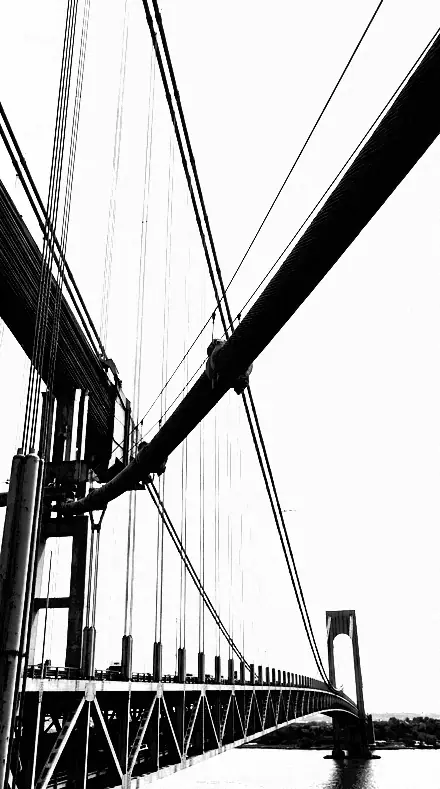
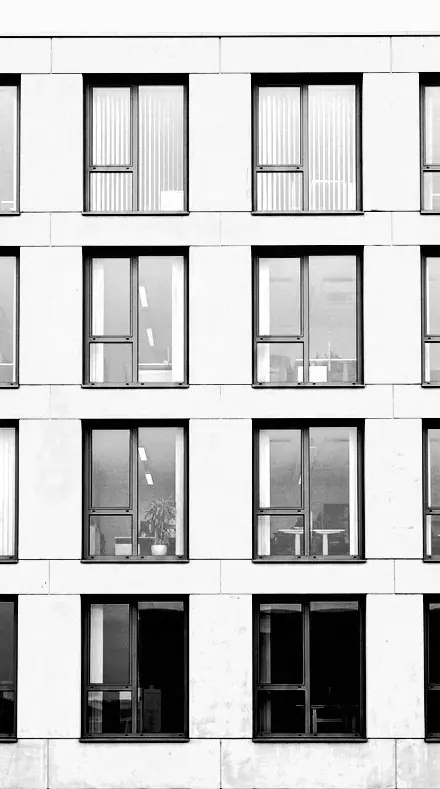
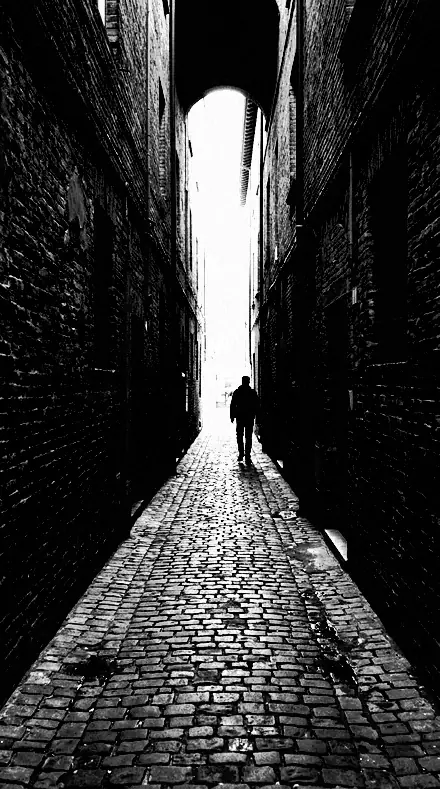
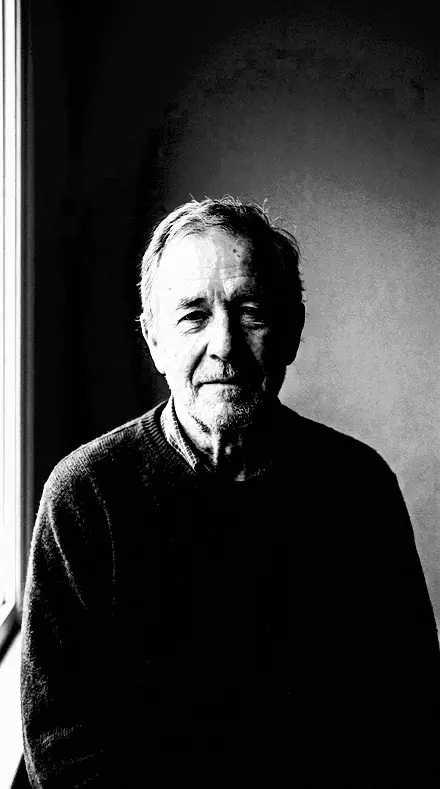
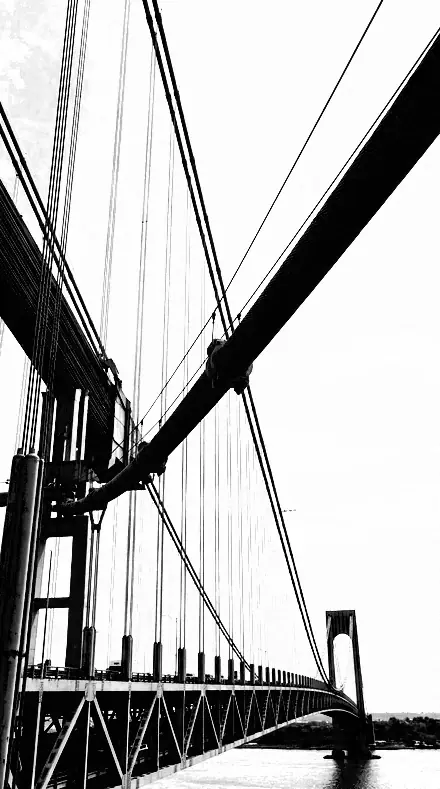
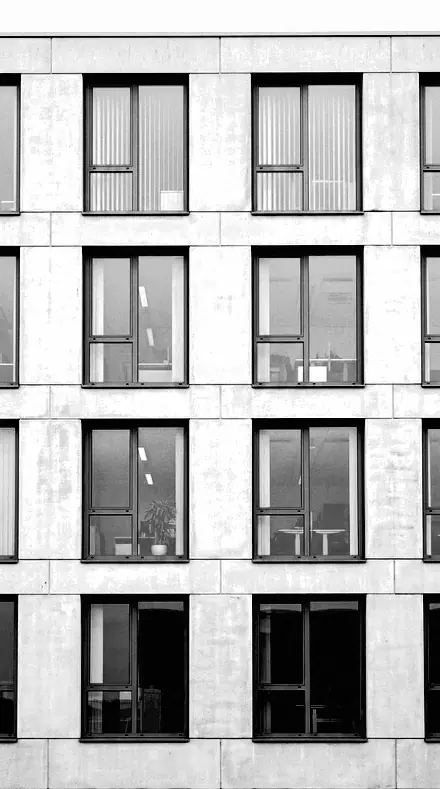
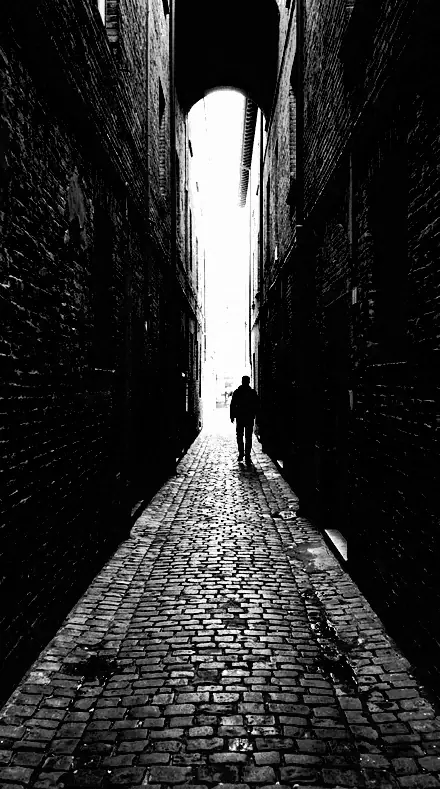
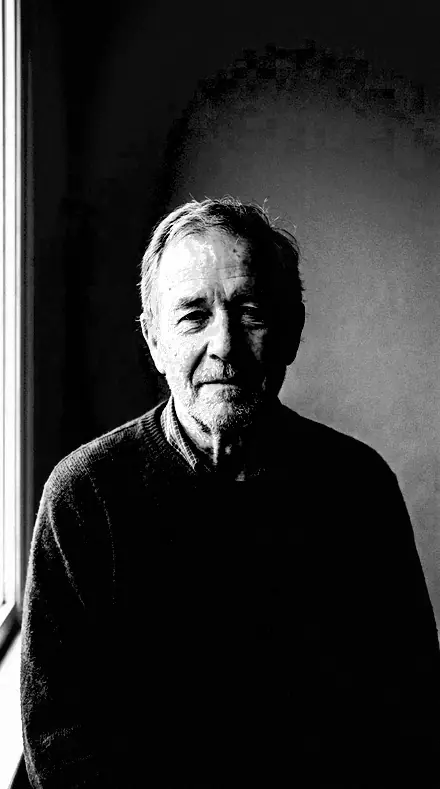
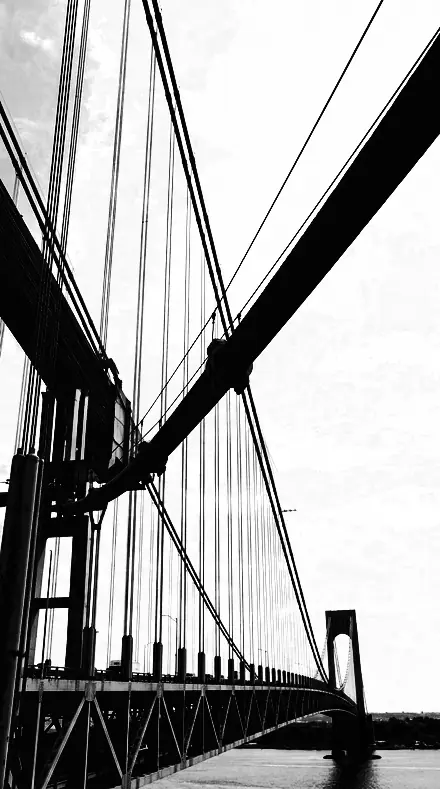
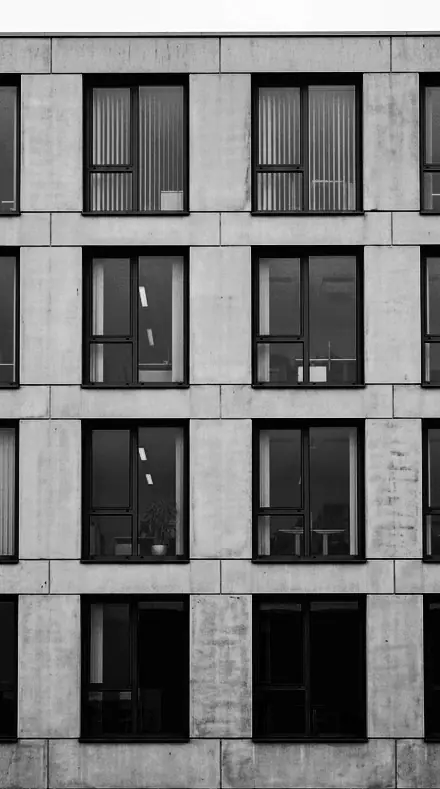
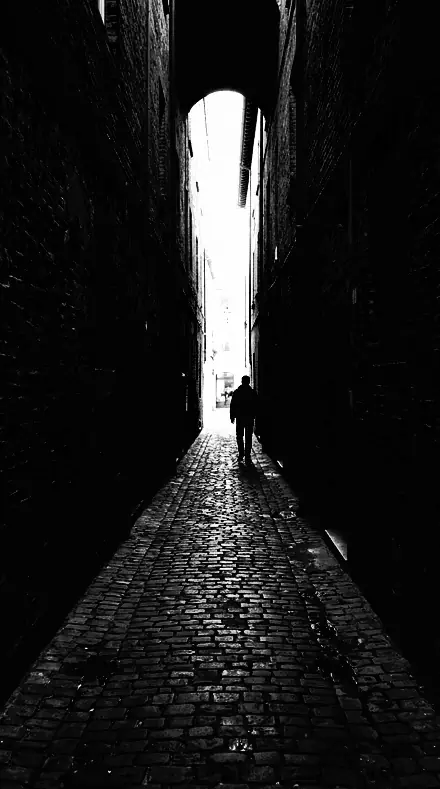
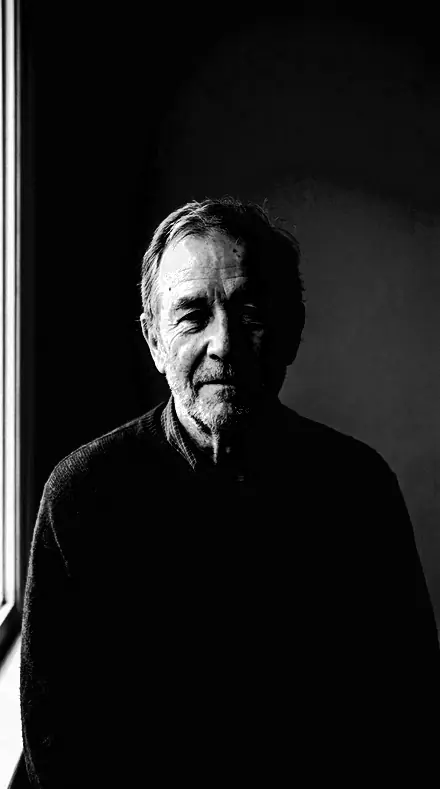
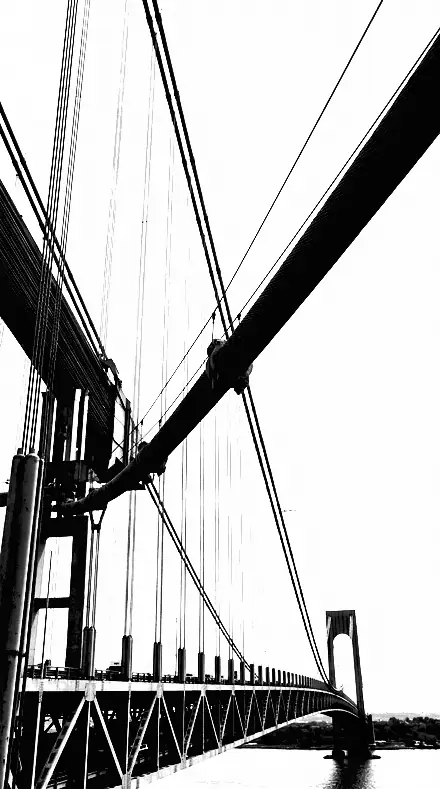
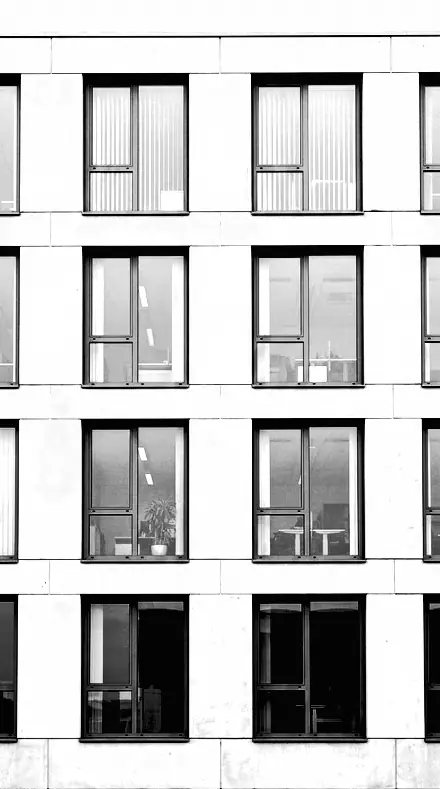
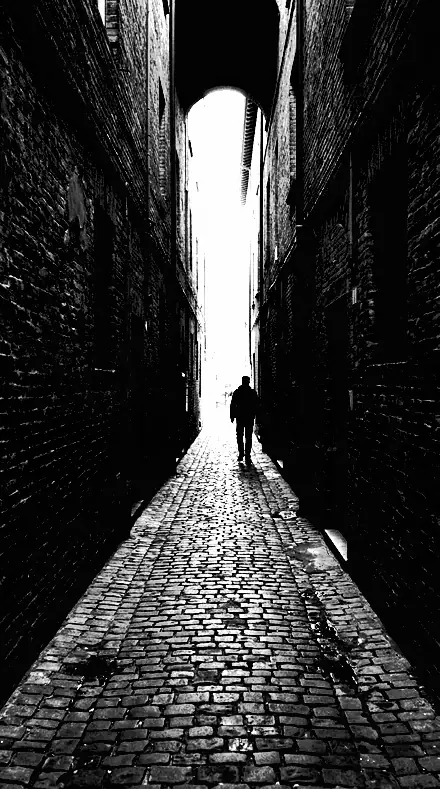
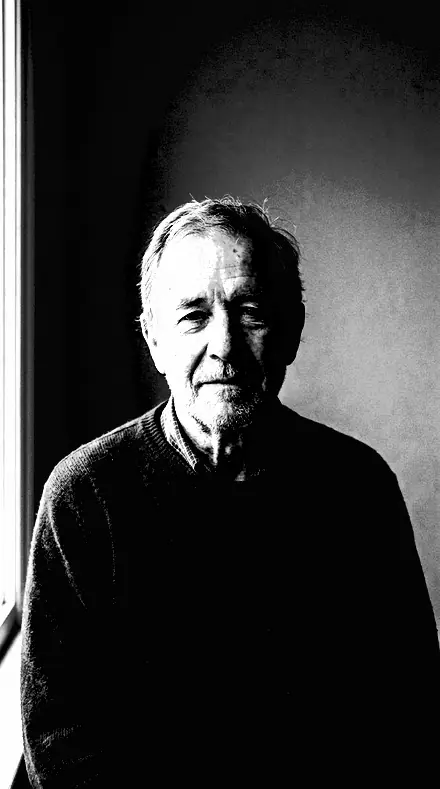
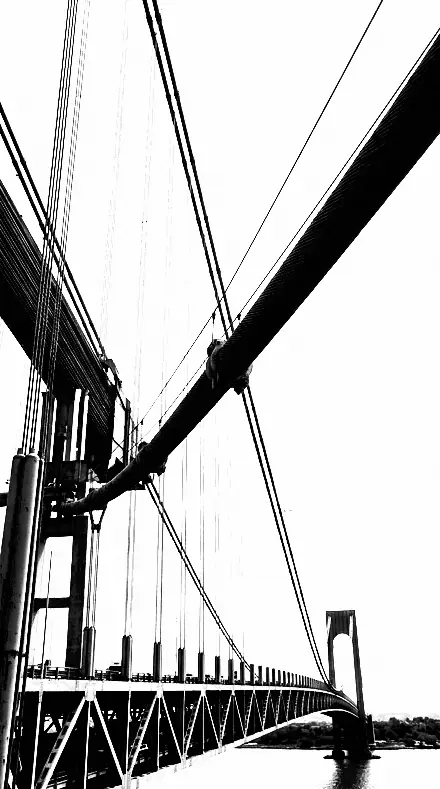
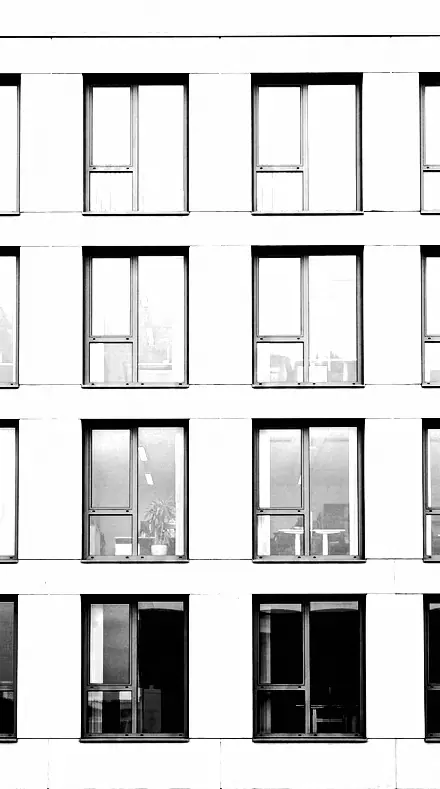
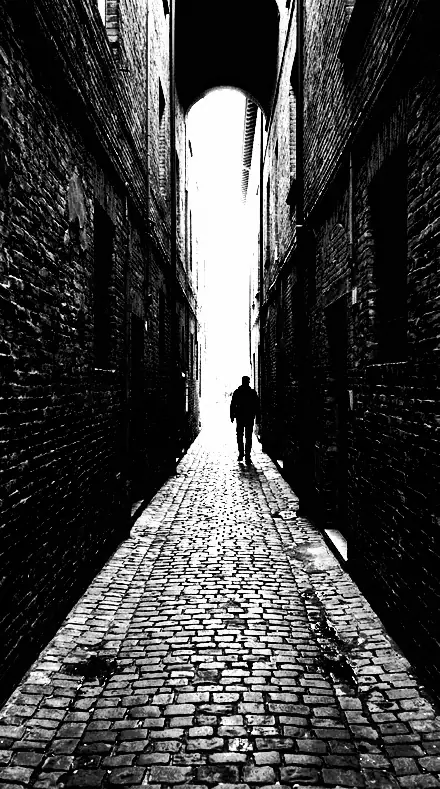
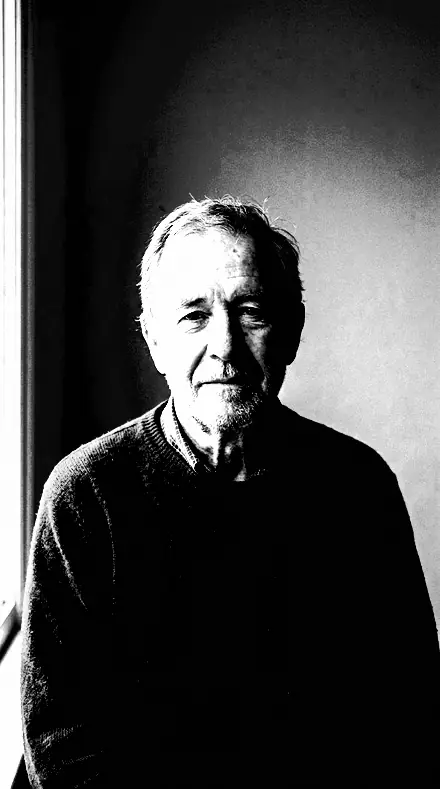
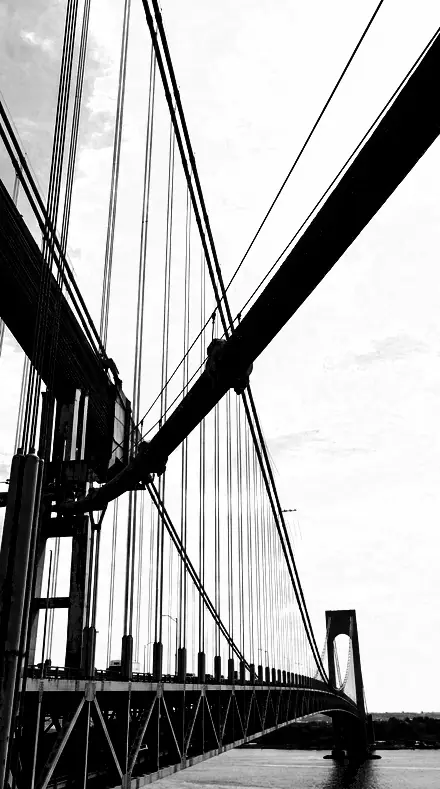
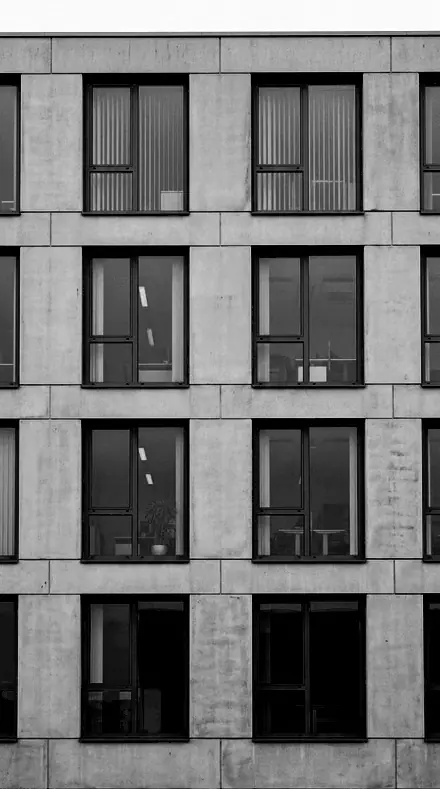
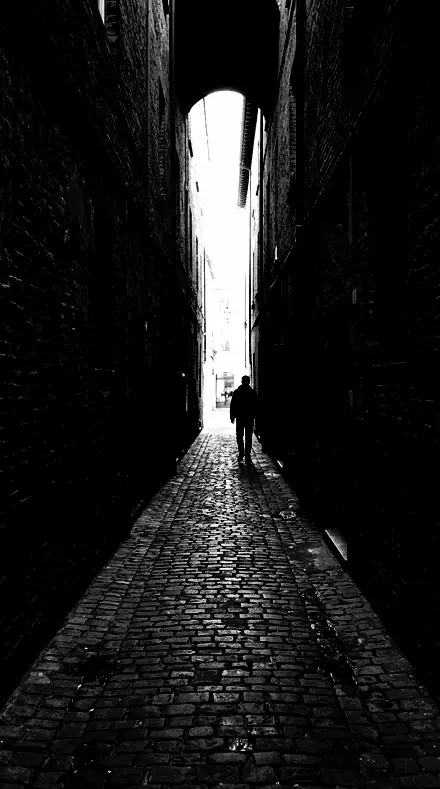
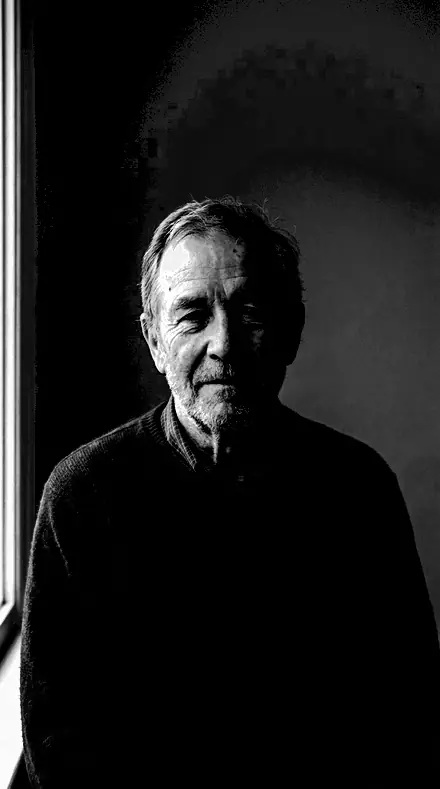
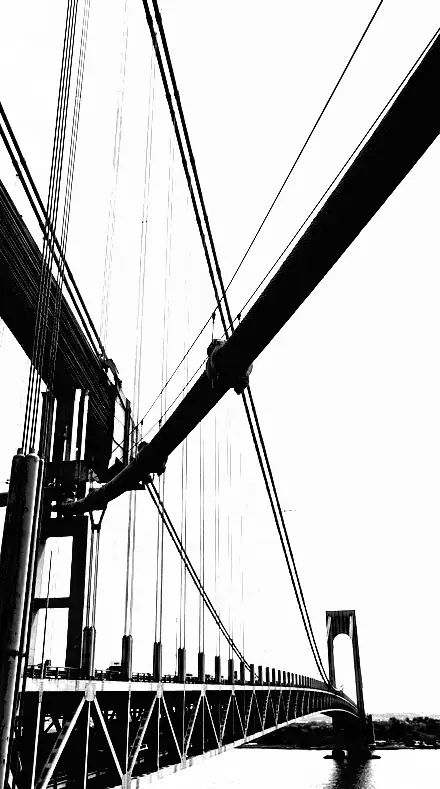
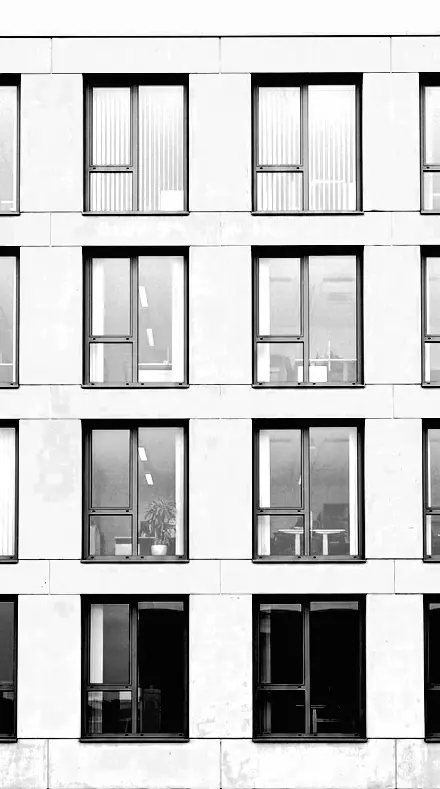
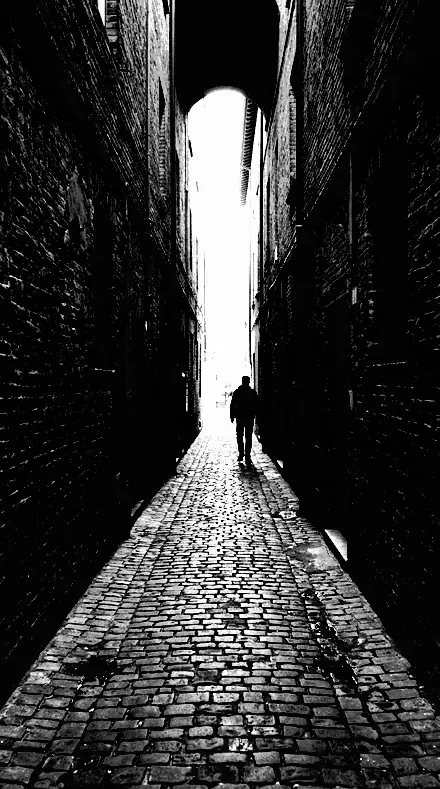
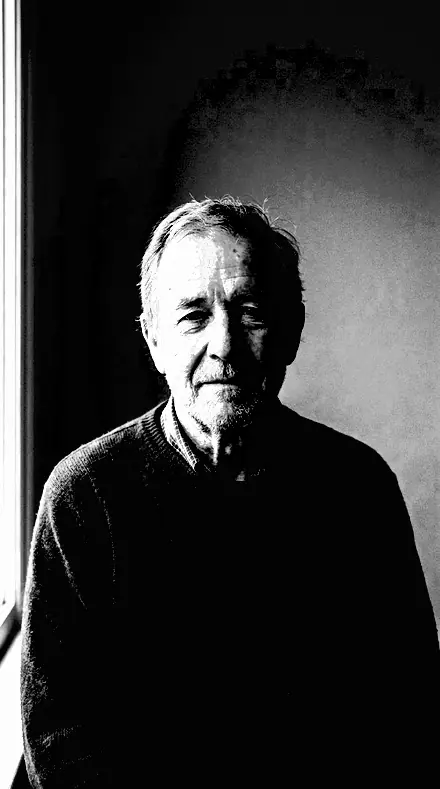
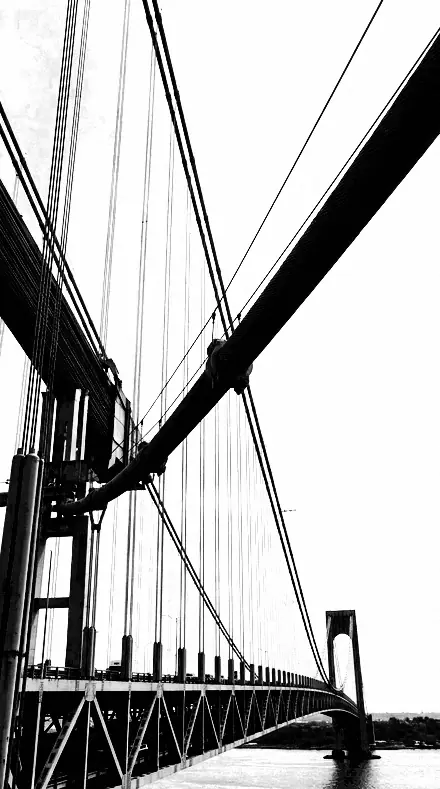
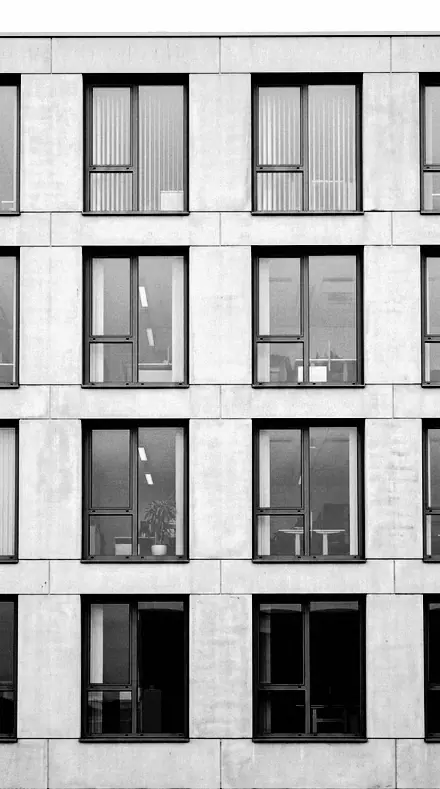
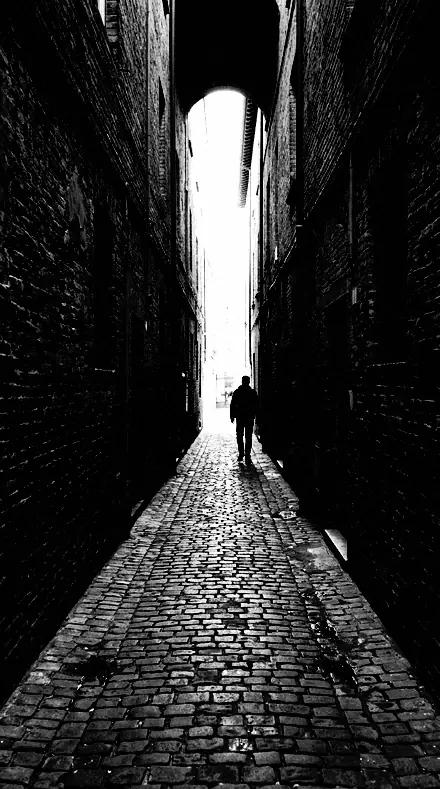
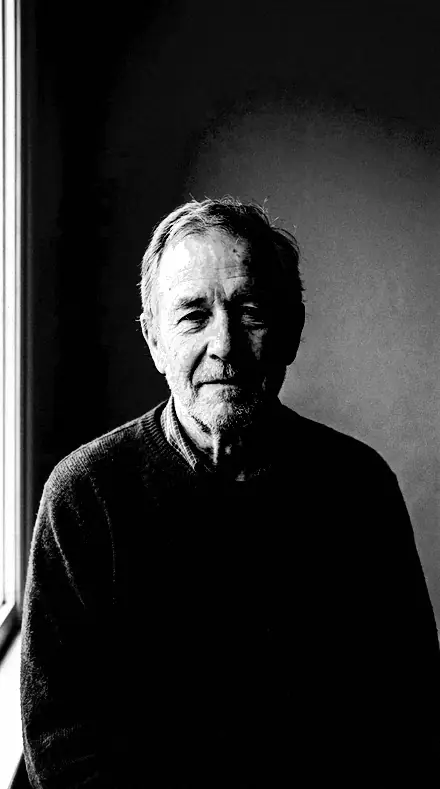
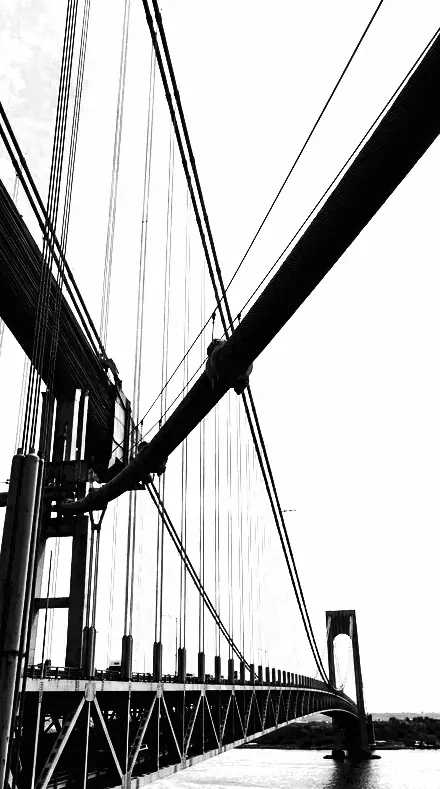
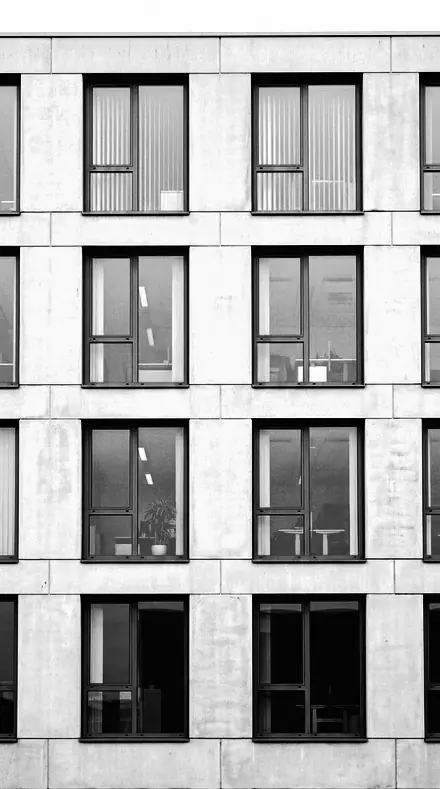
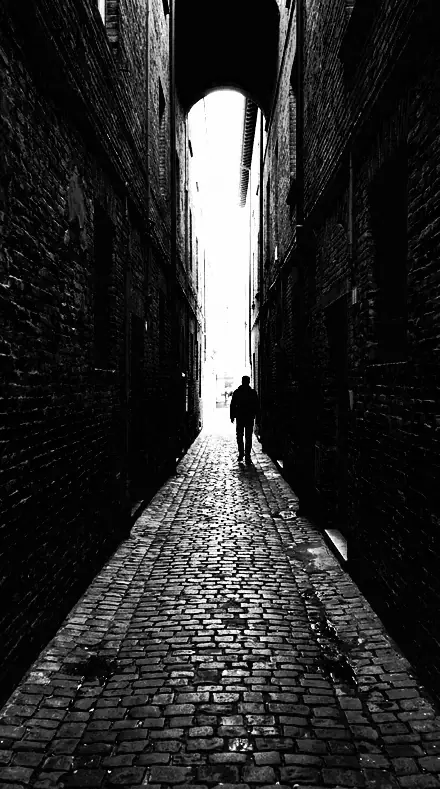
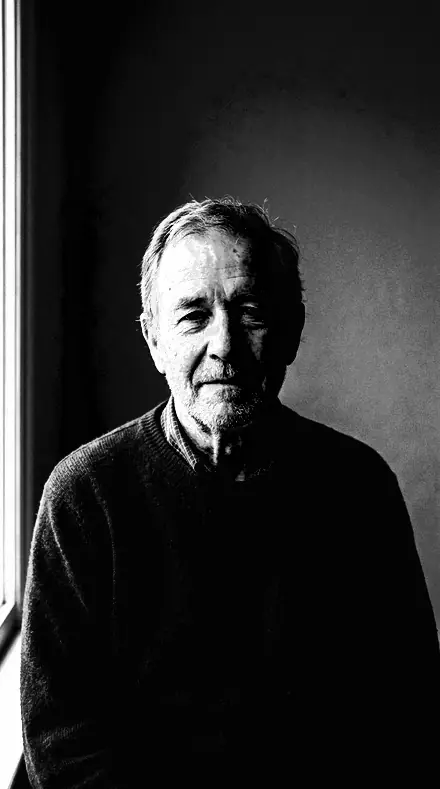
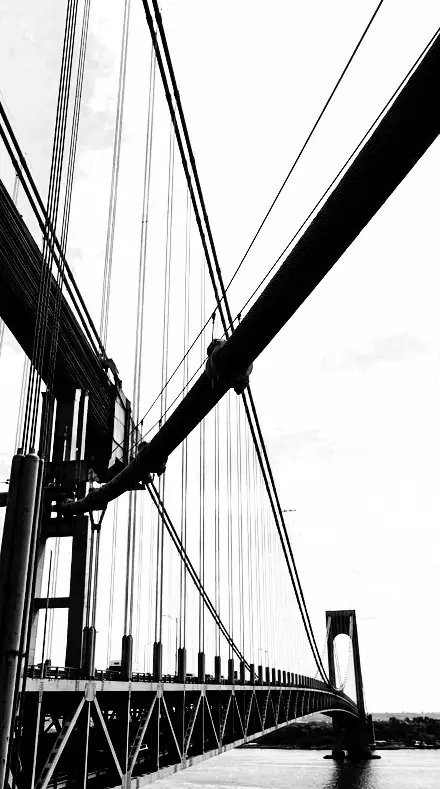
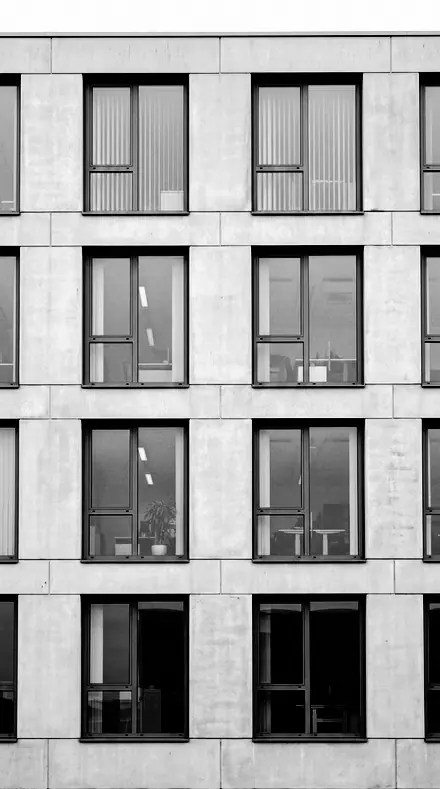
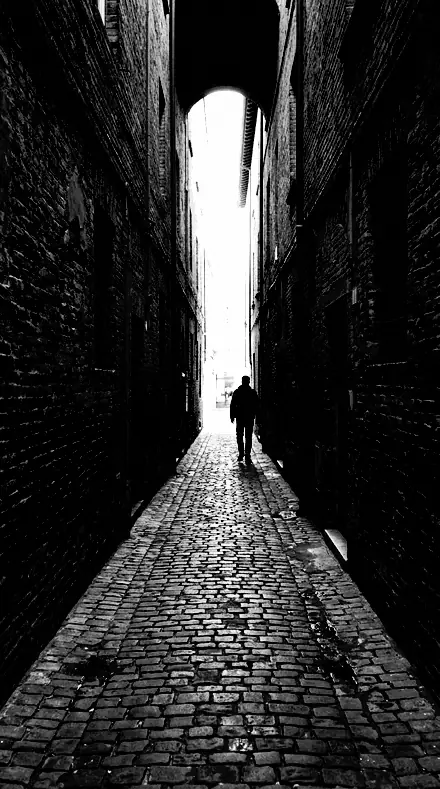
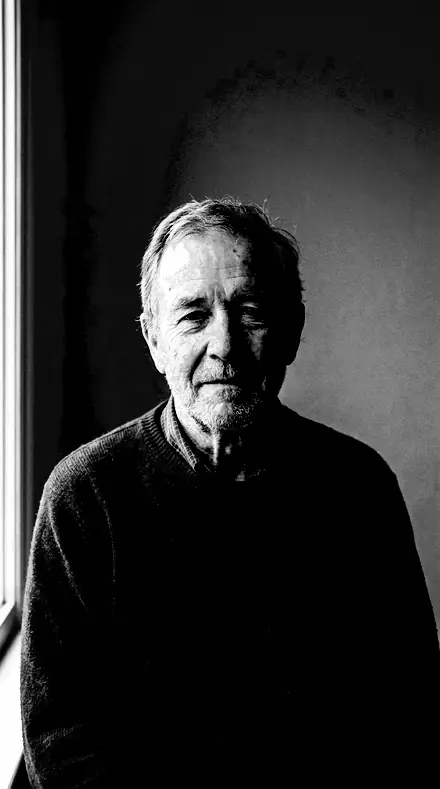
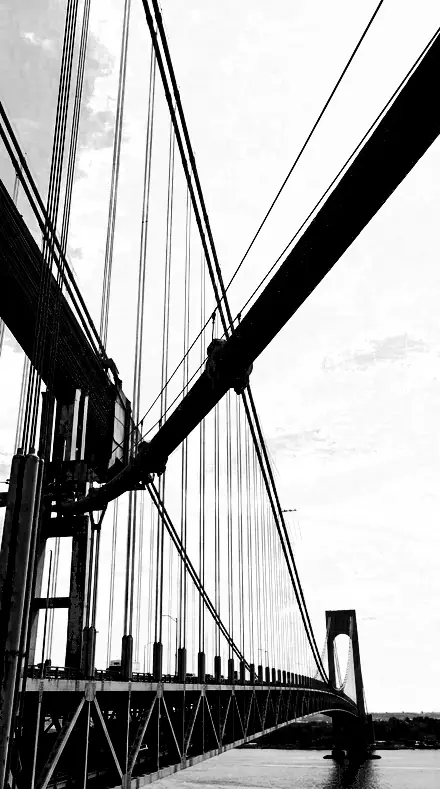
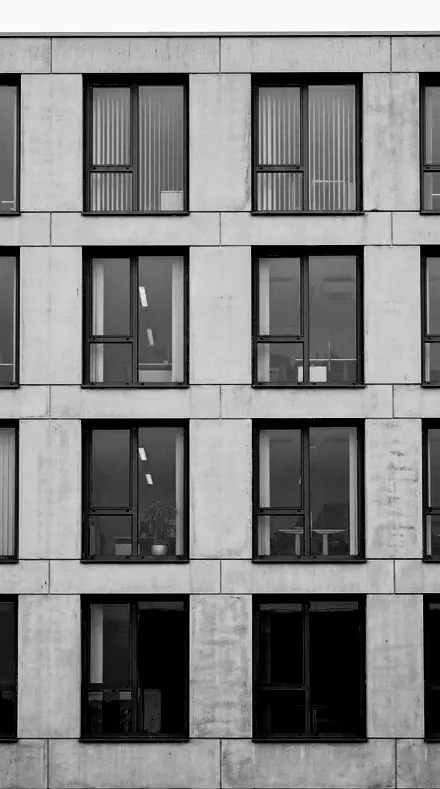
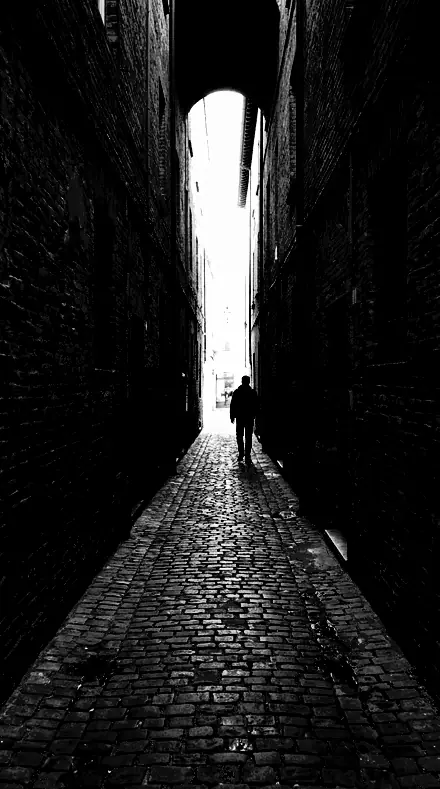
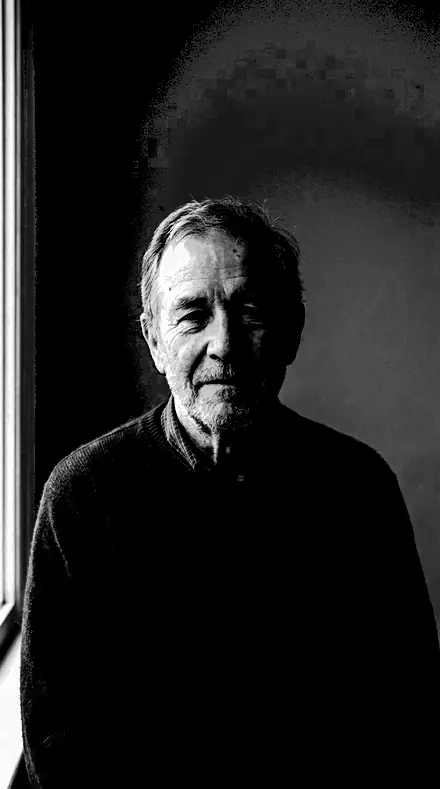
Every preset opens on the same four photographs, so you can see one black hold across steel, stone, a street and a face.
Blocks
6 presetsShadows crushed to a mask. The subject reads as a cut shape.
folio 01Line Blockthe reference graphic mono: contrast near the top of the scale, tones collapsing to shape
![Line Block applied to Cables, sky, black on paper]()
![Before: Cables, sky, black on paper]()
Cables, sky, black on paper ![Line Block applied to The grid, cut to shape]()
![Before: The grid, cut to shape]()
The grid, cut to shape ![Line Block applied to The alley as a stencil]()
![Before: The alley as a stencil]()
The alley as a stencil ![Line Block applied to A face in two tones]()
![Before: A face in two tones]()
A face in two tones Drag the handle. Left is the original, right is Line Block. Rendered from the preset's own settings, not a Lightroom export, so the real thing carries a little more bite.
folio 02Stencil Cutharder still, blacks pushed furthest down, for subjects that should read as a cut mask
![Stencil Cut applied to Cables, sky, black on paper]()
![Before: Cables, sky, black on paper]()
Cables, sky, black on paper ![Stencil Cut applied to The grid, cut to shape]()
![Before: The grid, cut to shape]()
The grid, cut to shape ![Stencil Cut applied to The alley as a stencil]()
![Before: The alley as a stencil]()
The alley as a stencil ![Stencil Cut applied to A face in two tones]()
![Before: A face in two tones]()
A face in two tones Drag the handle. Left is the original, right is Stencil Cut. Rendered from the preset's own settings, not a Lightroom export, so the real thing carries a little more bite.
folio 07Silhouette Cutshadows crushed furthest of the set, for backlit shapes against a bright ground
![Silhouette Cut applied to Cables, sky, black on paper]()
![Before: Cables, sky, black on paper]()
Cables, sky, black on paper ![Silhouette Cut applied to The grid, cut to shape]()
![Before: The grid, cut to shape]()
The grid, cut to shape ![Silhouette Cut applied to The alley as a stencil]()
![Before: The alley as a stencil]()
The alley as a stencil ![Silhouette Cut applied to A face in two tones]()
![Before: A face in two tones]()
A face in two tones Drag the handle. Left is the original, right is Silhouette Cut. Rendered from the preset's own settings, not a Lightroom export, so the real thing carries a little more bite.
folio 08Ink Slabthe densest interpretation: exposure down, blacks deep, a heavy inked surface
![Ink Slab applied to Cables, sky, black on paper]()
![Before: Cables, sky, black on paper]()
Cables, sky, black on paper ![Ink Slab applied to The grid, cut to shape]()
![Before: The grid, cut to shape]()
The grid, cut to shape ![Ink Slab applied to The alley as a stencil]()
![Before: The alley as a stencil]()
The alley as a stencil ![Ink Slab applied to A face in two tones]()
![Before: A face in two tones]()
A face in two tones Drag the handle. Left is the original, right is Ink Slab. Rendered from the preset's own settings, not a Lightroom export, so the real thing carries a little more bite.
folio 11Halftone Dropthe most compressed midtone of the family, so the scale reads as two tones
![Halftone Drop applied to Cables, sky, black on paper]()
![Before: Cables, sky, black on paper]()
Cables, sky, black on paper ![Halftone Drop applied to The grid, cut to shape]()
![Before: The grid, cut to shape]()
The grid, cut to shape ![Halftone Drop applied to The alley as a stencil]()
![Before: The alley as a stencil]()
The alley as a stencil ![Halftone Drop applied to A face in two tones]()
![Before: A face in two tones]()
A face in two tones Drag the handle. Left is the original, right is Halftone Drop. Rendered from the preset's own settings, not a Lightroom export, so the real thing carries a little more bite.
folio 16Block Printheaviest blacks with slightly restrained whites, for dark subjects on a light ground
![Block Print applied to Cables, sky, black on paper]()
![Before: Cables, sky, black on paper]()
Cables, sky, black on paper ![Block Print applied to The grid, cut to shape]()
![Before: The grid, cut to shape]()
The grid, cut to shape ![Block Print applied to The alley as a stencil]()
![Before: The alley as a stencil]()
The alley as a stencil ![Block Print applied to A face in two tones]()
![Before: A face in two tones]()
A face in two tones Drag the handle. Left is the original, right is Block Print. Rendered from the preset's own settings, not a Lightroom export, so the real thing carries a little more bite.
Prints
6 presetsWoodcut, lino, etched plate. Edges carry the worked surface.
folio 03Woodcut Proofextreme contrast with texture high, so edges carry a cut, worked quality
![Woodcut Proof applied to Cables, sky, black on paper]()
![Before: Cables, sky, black on paper]()
Cables, sky, black on paper ![Woodcut Proof applied to The grid, cut to shape]()
![Before: The grid, cut to shape]()
The grid, cut to shape ![Woodcut Proof applied to The alley as a stencil]()
![Before: The alley as a stencil]()
The alley as a stencil ![Woodcut Proof applied to A face in two tones]()
![Before: A face in two tones]()
A face in two tones Drag the handle. Left is the original, right is Woodcut Proof. Rendered from the preset's own settings, not a Lightroom export, so the real thing carries a little more bite.
folio 04Lino Pressflat whites in the family under very deep blacks, for print-like flat areas
![Lino Press applied to Cables, sky, black on paper]()
![Before: Cables, sky, black on paper]()
Cables, sky, black on paper ![Lino Press applied to The grid, cut to shape]()
![Before: The grid, cut to shape]()
The grid, cut to shape ![Lino Press applied to The alley as a stencil]()
![Before: The alley as a stencil]()
The alley as a stencil ![Lino Press applied to A face in two tones]()
![Before: A face in two tones]()
A face in two tones Drag the handle. Left is the original, right is Lino Press. Rendered from the preset's own settings, not a Lightroom export, so the real thing carries a little more bite.
folio 06Cut Paperhighest edge masking here, so only real edges sharpen and flat areas stay clean
![Cut Paper applied to Cables, sky, black on paper]()
![Before: Cables, sky, black on paper]()
Cables, sky, black on paper ![Cut Paper applied to The grid, cut to shape]()
![Before: The grid, cut to shape]()
The grid, cut to shape ![Cut Paper applied to The alley as a stencil]()
![Before: The alley as a stencil]()
The alley as a stencil ![Cut Paper applied to A face in two tones]()
![Before: A face in two tones]()
A face in two tones Drag the handle. Left is the original, right is Cut Paper. Rendered from the preset's own settings, not a Lightroom export, so the real thing carries a little more bite.
folio 09Press Proofextreme contrast with clarity high but grain at zero, a clean mechanical look
![Press Proof applied to Cables, sky, black on paper]()
![Before: Cables, sky, black on paper]()
Cables, sky, black on paper ![Press Proof applied to The grid, cut to shape]()
![Before: The grid, cut to shape]()
The grid, cut to shape ![Press Proof applied to The alley as a stencil]()
![Before: The alley as a stencil]()
The alley as a stencil ![Press Proof applied to A face in two tones]()
![Before: A face in two tones]()
A face in two tones Drag the handle. Left is the original, right is Press Proof. Rendered from the preset's own settings, not a Lightroom export, so the real thing carries a little more bite.
folio 14Chisel Markhard contrast with texture and sharpening led by the edges rather than the surface
![Chisel Mark applied to Cables, sky, black on paper]()
![Before: Cables, sky, black on paper]()
Cables, sky, black on paper ![Chisel Mark applied to The grid, cut to shape]()
![Before: The grid, cut to shape]()
The grid, cut to shape ![Chisel Mark applied to The alley as a stencil]()
![Before: The alley as a stencil]()
The alley as a stencil ![Chisel Mark applied to A face in two tones]()
![Before: A face in two tones]()
A face in two tones Drag the handle. Left is the original, right is Chisel Mark. Rendered from the preset's own settings, not a Lightroom export, so the real thing carries a little more bite.
folio 18Plate Etchhigh contrast with the grain well up for this set, for etched and abraded surfaces
![Plate Etch applied to Cables, sky, black on paper]()
![Before: Cables, sky, black on paper]()
Cables, sky, black on paper ![Plate Etch applied to The grid, cut to shape]()
![Before: The grid, cut to shape]()
The grid, cut to shape ![Plate Etch applied to The alley as a stencil]()
![Before: The alley as a stencil]()
The alley as a stencil ![Plate Etch applied to A face in two tones]()
![Before: A face in two tones]()
A face in two tones Drag the handle. Left is the original, right is Plate Etch. Rendered from the preset's own settings, not a Lightroom export, so the real thing carries a little more bite.
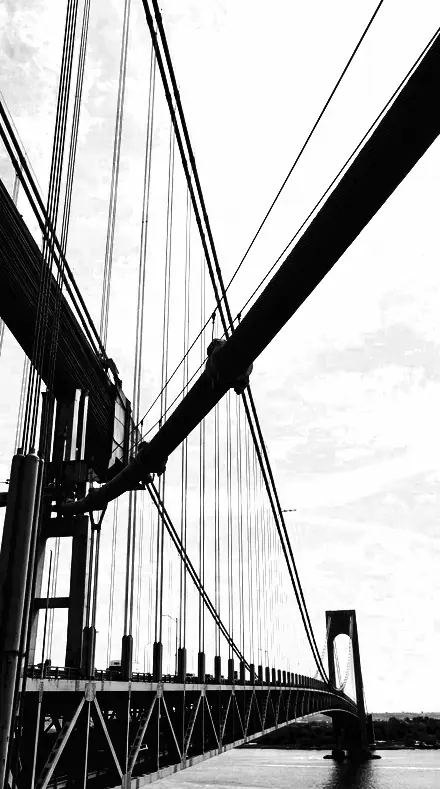
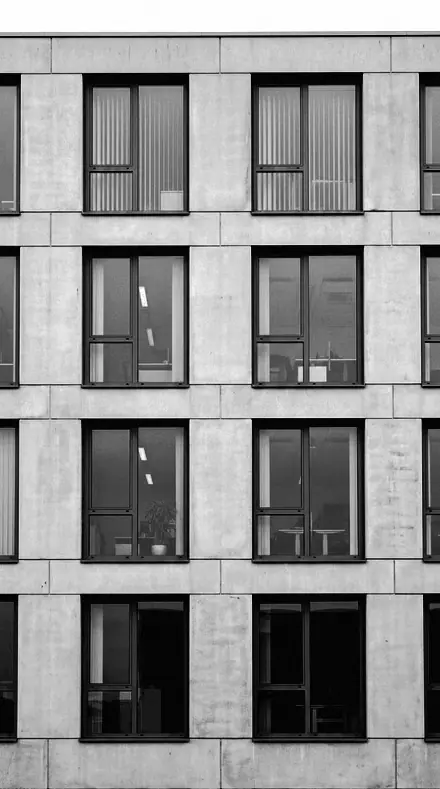
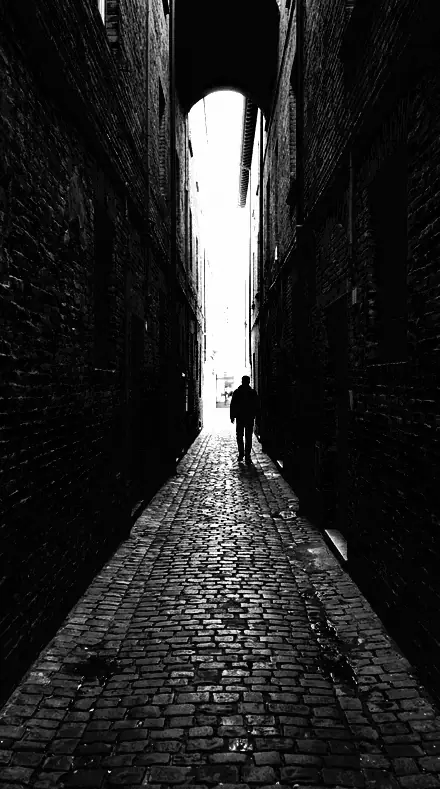
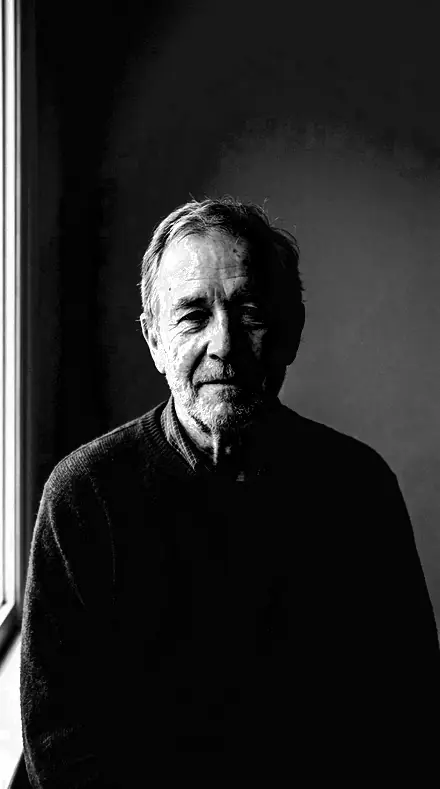
Signs
6 presetsWhites pushed hardest. For painted markings, type and line art.
folio 05Poster Gradea bright member: whites pushed hardest, midtones thrown up, for signage and display
![Poster Grade applied to Cables, sky, black on paper]()
![Before: Cables, sky, black on paper]()
Cables, sky, black on paper ![Poster Grade applied to The grid, cut to shape]()
![Before: The grid, cut to shape]()
The grid, cut to shape ![Poster Grade applied to The alley as a stencil]()
![Before: The alley as a stencil]()
The alley as a stencil ![Poster Grade applied to A face in two tones]()
![Before: A face in two tones]()
A face in two tones Drag the handle. Left is the original, right is Poster Grade. Rendered from the preset's own settings, not a Lightroom export, so the real thing carries a little more bite.
folio 10Bitmap Screenmaximum sharpening and detail, aimed at line art, type and scanned drawings
![Bitmap Screen applied to Cables, sky, black on paper]()
![Before: Cables, sky, black on paper]()
Cables, sky, black on paper ![Bitmap Screen applied to The grid, cut to shape]()
![Before: The grid, cut to shape]()
The grid, cut to shape ![Bitmap Screen applied to The alley as a stencil]()
![Before: The alley as a stencil]()
The alley as a stencil ![Bitmap Screen applied to A face in two tones]()
![Before: A face in two tones]()
A face in two tones Drag the handle. Left is the original, right is Bitmap Screen. Rendered from the preset's own settings, not a Lightroom export, so the real thing carries a little more bite.
folio 12Signage Monohigh contrast with the yellow and aqua bands lifted hardest, for painted signs and markings
![Signage Mono applied to Cables, sky, black on paper]()
![Before: Cables, sky, black on paper]()
Cables, sky, black on paper ![Signage Mono applied to The grid, cut to shape]()
![Before: The grid, cut to shape]()
The grid, cut to shape ![Signage Mono applied to The alley as a stencil]()
![Before: The alley as a stencil]()
The alley as a stencil ![Signage Mono applied to A face in two tones]()
![Before: A face in two tones]()
A face in two tones Drag the handle. Left is the original, right is Signage Mono. Rendered from the preset's own settings, not a Lightroom export, so the real thing carries a little more bite.
folio 13Contrast Wedgethe widest tonal push here, both ends driven at once, for testing how far a file goes
![Contrast Wedge applied to Cables, sky, black on paper]()
![Before: Cables, sky, black on paper]()
Cables, sky, black on paper ![Contrast Wedge applied to The grid, cut to shape]()
![Before: The grid, cut to shape]()
The grid, cut to shape ![Contrast Wedge applied to The alley as a stencil]()
![Before: The alley as a stencil]()
The alley as a stencil ![Contrast Wedge applied to A face in two tones]()
![Before: A face in two tones]()
A face in two tones Drag the handle. Left is the original, right is Contrast Wedge. Rendered from the preset's own settings, not a Lightroom export, so the real thing carries a little more bite.
folio 15Graphic Cutthe general-purpose member: extreme but still holding a little detail at both ends
![Graphic Cut applied to Cables, sky, black on paper]()
![Before: Cables, sky, black on paper]()
Cables, sky, black on paper ![Graphic Cut applied to The grid, cut to shape]()
![Before: The grid, cut to shape]()
The grid, cut to shape ![Graphic Cut applied to The alley as a stencil]()
![Before: The alley as a stencil]()
The alley as a stencil ![Graphic Cut applied to A face in two tones]()
![Before: A face in two tones]()
A face in two tones Drag the handle. Left is the original, right is Graphic Cut. Rendered from the preset's own settings, not a Lightroom export, so the real thing carries a little more bite.
folio 17Zone Teneverything driven towards the top of the scale, bright whites in the family
![Zone Ten applied to Cables, sky, black on paper]()
![Before: Cables, sky, black on paper]()
Cables, sky, black on paper ![Zone Ten applied to The grid, cut to shape]()
![Before: The grid, cut to shape]()
The grid, cut to shape ![Zone Ten applied to The alley as a stencil]()
![Before: The alley as a stencil]()
The alley as a stencil ![Zone Ten applied to A face in two tones]()
![Before: A face in two tones]()
A face in two tones Drag the handle. Left is the original, right is Zone Ten. Rendered from the preset's own settings, not a Lightroom export, so the real thing carries a little more bite.
open
The same minute, kept
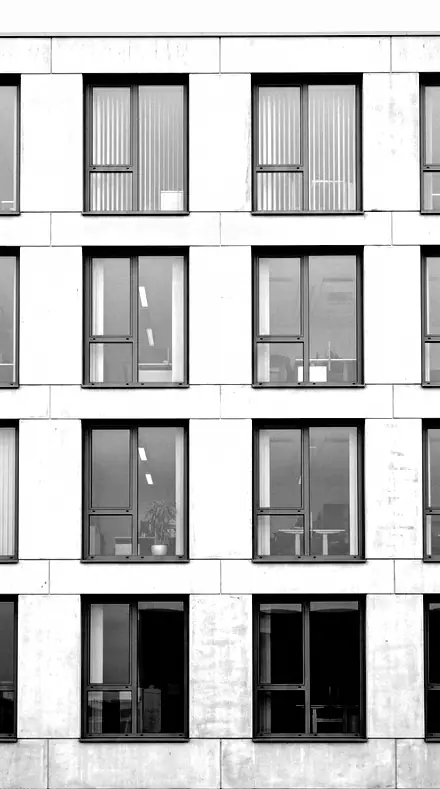
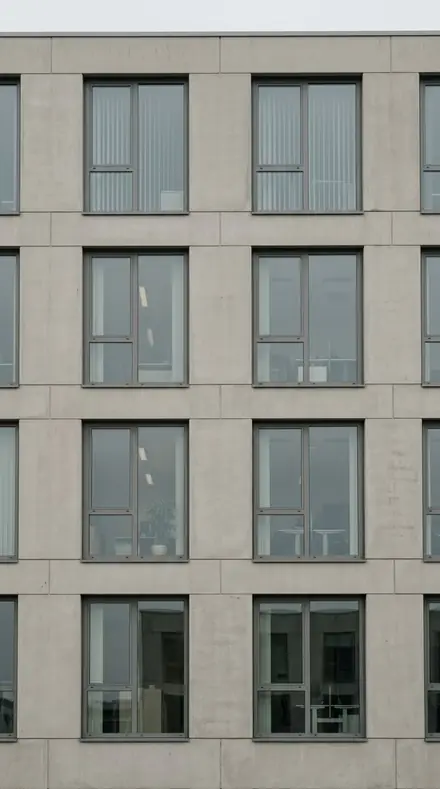
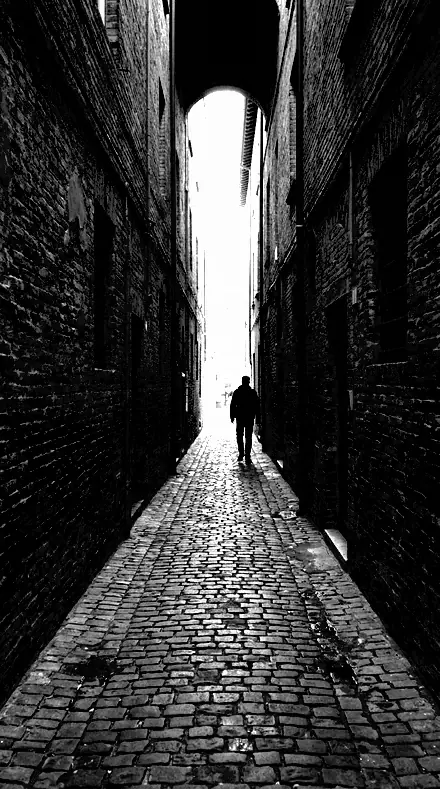
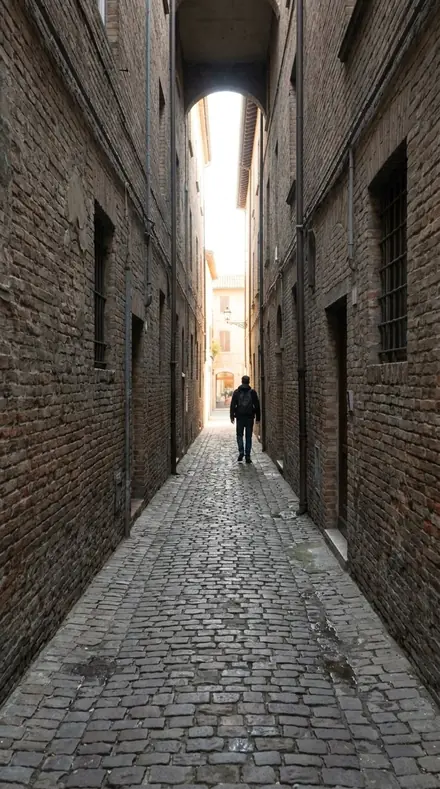

how it works
Yours in two minutes
- Buy the setCheckout takes a card; you get a receipt by email.
- Download instantlyThe preset files download right after payment. Re-download any time from your account.
- Import to LightroomOpen the files in the free Lightroom app (iOS or Android) or Lightroom Classic. Lightroom saves them as presets automatically.
- Tap a presetOne tap applies the full look. Every setting stays editable after.
- Single-user license. Yours to use in personal and client work.
- No redistribution. Don't resell or share the preset files themselves.
- Free app is enough. No Adobe subscription needed for Lightroom mobile.
- Keep it forever. Files live in your account for re-download.

the maker
Why I Make These
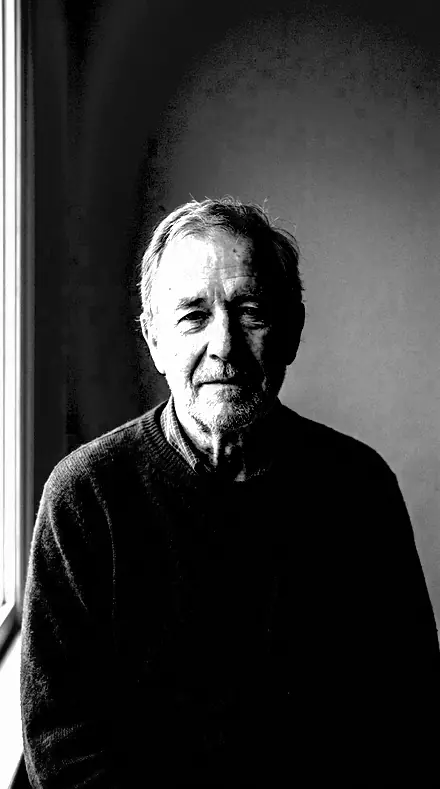
I am Netzah Elad Topaz. I take photographs and I build software, and the two keep leading me back to the same problem. You were there. The light was doing something you will not see again. Then the photo comes back flat, and it is not what you were looking at.
Closing that gap is the whole job. Every preset here is built from Adobe defaults by hand, with a written note for what it should do to a picture, and it is judged on real photographs before it ships. Nothing is a filter dropped on top of your work.
What I want is simple. You open a photo you almost gave up on, you tap once, and there it is: the day you remember, not the file your camera handed you. That is worth doing properly.
Netzah Elad Topaz, photographer and software builder
get it
Get Graphic Black
Graphic Black
$79.99
All 18 presets · one-time payment · instant download
Works in the free Lightroom app · keep forever
Instant download after payment. The download link is also sent to your email and stays available in your account.
questions
Asked and Answered
Does it keep any grey?
A little, where you want it. Graphic Cut holds detail at both ends; Halftone Drop compresses the scale nearest to two tones. Every slider stays editable, so you set how far it goes.
Does it work on colour photographs?
Yes. Each preset converts to black and white first, then sets the contrast. Start from a colour file or a mono one.
Do these work in the free Lightroom app?
Yes. Import the .xmp files in the free Lightroom app on iPhone or Android, no subscription needed. They also work in Lightroom Classic and Lightroom on desktop.
What exactly do I get?
All 18 presets from Graphic Black as .xmp files in an instant ZIP download. The link also lands in your email, and the purchase stays in your account so you can re-download any time.
How do I install them?
Two minutes: unzip, then import inside Lightroom. The step-by-step guide covers iPhone, Android, and desktop.
Can I use them for client work?
Yes. The single-user license covers personal and commercial photography. The one thing you can't do is share or resell the preset files themselves.
Can I tweak a preset after applying it?
Always. A preset is a starting point; every slider stays yours to adjust.
What if it's not for me?
Before your first download we refund, no questions asked. After a download, sales are final except a technical fault we cannot fix or a duplicate charge. Details on the refunds page.